Doodle Basketball Updates
Launch history, live event branding, and a practical way to follow every patch.
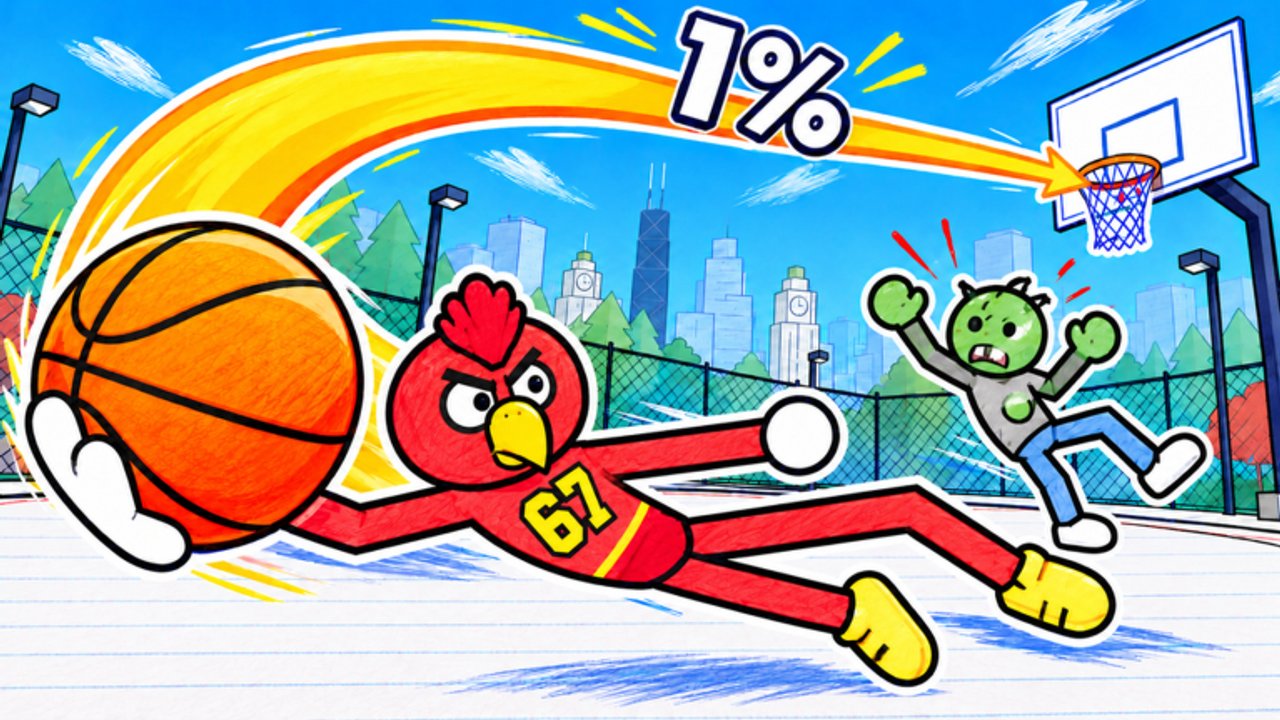
The Updates Hub tracks what changes in Doodle Basketball, the free Roblox stick-figure basketball game by Doodle Sports. Whether you care about new outfits, court tweaks, balance passes, or event branding on the experience page, this is the place to learn how the game evolves and where to read official notes without chasing rumors.
Launch snapshot
- Release date: 15 October 2026
- Platform: Roblox (online multiplayer)
- Modes: 1v1, 2v2, 3v3 on notebook courts in a doodle city
- Fantasy: customize mascots, outfits, and balls on stick-figure athletes
- Server size: about 28 players
- Live traction (mid-Nov 2026): roughly 3.3M+ visits and 215k+ favorites on the Roblox page
- Play: Doodle Basketball on Roblox
- Group: Doodle Sports
Day-one players got the core loop: jump in, pick a look, and hoop in a hand-drawn world. Everything since then layers cosmetics, events, and tuning on top of that foundation. Growth into the multi-million visit range means lobbies include more veterans—patch literacy matters more, not less.
November 2026 event wave
Through mid-November 2026 the Roblox experience page has carried EVENT branding in the title area (players see copy in the spirit of an event-tagged Doodle Basketball header) alongside fresh Updated signals. A clear client/page refresh showed around 13 November 2026. Looking ahead, community and page messaging pointed to a NEW UPDATE / EVENT window on Friday, 20 November 2026 around 4:00 PM—treat that stamp as your cue to relaunch, warm up, and re-check shops and menus rather than trusting rumor images alone.
When EVENT or NEW UPDATE badges appear:
- Relaunch the experience so you are not on a stale client session.
- Skim the page description and recent screenshots for new courts or cosmetics.
- Check the Doodle Sports group shout for short patch blurbs.
- Re-check the Codes Hub—event weeks are when promo strings sometimes appear (none were verified as of mid-November 2026).
- Return to this hub (and linked guide pages) for interpreted notes.
Event branding does not always mean a massive systems rewrite. Sometimes it is a cosmetic drop, a limited playlist highlight, or a bugfix wave wrapped in marketing art. Still, if the page says something new is live—or scheduled for Nov 20—verify in-game before you trust second-hand changelogs.
How to track patch notes the reliable way
Official channels beat random comment sections:
- Roblox experience page — description edits, thumbnails, EVENT title tags, and “Updated” signals (including the mid-Nov 2026 refresh).
- Doodle Sports group — shouts, wall posts, and community links tied to the developer identity.
- In-game menus / shop — new cosmetic rows often appear before anyone writes a paragraph about them.
- This Updates Hub — we summarize durable changes and point you to skill pages when mechanics shift.
- Gameplay verification — spend five minutes in a private or casual match confirming dunk timing, court geometry, and UI after every headline patch.
Avoid “patch note” images that list twenty buffs with no date and no developer voice. The same skepticism you use on fake codes applies here.
What patches usually change
Across Roblox sports titles—and what early Doodle Basketball patches emphasize—expect these buckets:
Cosmetics
- New outfits, mascots, and balls
- Shop rotations or event-only flex items
- Visibility changes that affect how you build an identity (see Players and Customization)
Court and presentation
- Notebook court layouts, hoops placement, or doodle-city backdrop art
- Lighting and readability tweaks that change which fits camouflage into the page
- Lobby or UI chrome around matchmaking for 1v1 / 2v2 / 3v3
Balance and feel
- Dunk timing windows, contest strength, or movement friction
- Pass / catch generosity in team modes
- Shooting release feel and help-defense spacing—revisit Shooting and Defense after feel patches
- Server performance and collision cleanup in busy 28-player instances
When feel changes, re-open Controls, How to Dunk, and the tips on Tips and Tricks instead of installing a script “fix.” Cheats break first after patches and add ban risk—context on the Scripts Hub.
How to play each patch week
Use a simple post-update routine:
- Read the experience page + group shout (two minutes).
- Warm up with a short 1v1 or empty court to re-learn gather timing.
- Audit cosmetics — does your ball still contrast on the new court art?
- Reassess role — if finish windows tightened, lean more playmaking or spacing; revisit the Tier List.
- Check codes — milestone and EVENT patches (including the Nov 20 window) are when promo strings sometimes appear; the Codes Hub stays honest when none are confirmed.
- Skim guides — the Guides Hub and Getting Started pages should match live systems; if something diverges, trust the live client until the wiki catches up.
Version history (high level)
| When | What to remember |
|---|---|
| 15 Oct 2026 | Full launch of Doodle Basketball on Roblox |
| Oct–early Nov 2026 | Ongoing NEW UPDATE / event branding waves; cosmetic and polish focus |
| 13 Nov 2026 | Experience page / client update signal; EVENT-style branding visible on the Roblox page |
| 20 Nov 2026 (~4:00 PM) | Scheduled NEW UPDATE / EVENT window called out on page messaging—relaunch, warm up, re-check codes and shop |
| Mid-Nov 2026 traction | About 3.3M+ visits and 215k+ favorites |
| Future entries | Individual patch cards will link here as notes get more concrete |
We will expand this table with dated mechanical notes when patch text is concrete enough to quote without inventing numbers.
Why update literacy matters in doodle sports
Stick-figure games look lighthearted, but timing windows and court geometry still decide whether your slasher stays S-tier or slides. Players who ignore patches blame “random” misses; players who verify after every banner adapt in one session. Pair update checks with identity work on the Players Hub so your mascot-and-ball kit still reads clean on whatever notebook the artists ship next. Advanced habit checklists on Tips and Tricks are written for exactly these EVENT weeks.
Related pages
- Codes Hub — honest promo status after events
- Guides Hub — mechanics tutorials to re-learn after balance patches
- Tier List Hub — role ranks that shift when feel changes
- Links Hub — official game and group URLs
- Scripts Hub — why “update-proof cheats” are a myth
Stay curious, relaunch after banners, and treat every NEW UPDATE or EVENT badge—including the Nov 20 window—as a five-minute lab session—not a reason to panic-buy cosmetics or paste a loadstring.
Frequently Asked Questions
Quick answers for Doodle Basketball on Roblox.
When did Doodle Basketball release?
Doodle Basketball launched on Roblox on 15 October 2026 as a free experience from Doodle Sports.
Where should I read official patch info?
Start with the Roblox experience page and the Doodle Sports group. Then confirm changes in a short in-game warm-up before trusting third-party summaries.
What does a NEW UPDATE banner usually mean?
It signals fresh content or marketing for a drop—cosmetics, events, fixes, or feel tweaks. Always verify in-game; banners are not full technical changelogs.
What is the Friday Nov 20, 2026 EVENT / NEW UPDATE?
Page messaging pointed to a NEW UPDATE / EVENT window on Friday, 20 November 2026 around 4:00 PM. Relaunch the client, warm up timing, skim the shop, and re-check the Codes Hub—do not assume a full systems rewrite until you verify in-game.
Do updates add promo codes?
Sometimes games drop codes with milestones or events, but nothing is guaranteed. As of mid-November 2026 none were verified; check the Codes Hub after the Nov 20 window and other major patches.
Should I relearn dunks after every patch?
Do a quick timing warm-up whenever finish windows or courts change. A two-minute lab prevents a whole night of mistimed gathers.