Doodle Basketball Official Links & Wiki Map
Jump to the Roblox experience, the Doodle Sports group, and every major hub on this fan wiki.
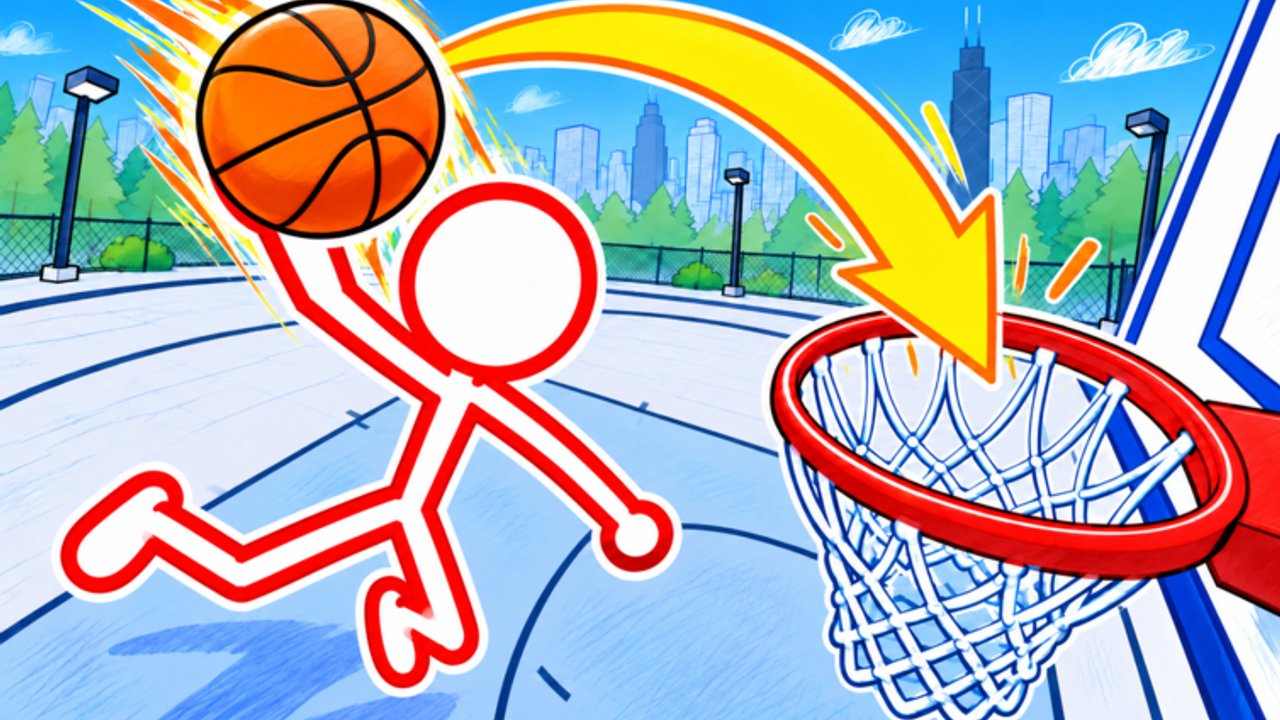
Need a single bookmark for Doodle Basketball? This Links Hub collects the official Roblox destinations and the major wiki hubs so you are never more than one click from the experience page, the developer group, or a guide that answers the question you actually searched.
Doodle Basketball is a free stick-figure basketball game by Doodle Sports, released 15 October 2026. You hoop in 1v1 / 2v2 / 3v3 on notebook courts inside a doodle city, customize mascots, outfits, and balls, and share online servers that hold about 28 players. This wiki is a fan-made companion—useful, opinionated about clarity, and not an official Doodle Sports product.
Official destinations
Play the game
- Doodle Basketball on Roblox — launch the experience, read the live description, and watch for NEW UPDATE branding.
Keep this URL handy after patches. Experience page edits and thumbnails often arrive before long-form patch essays exist.
Join the group
- Doodle Sports community — developer-adjacent group home for shouts, social proof, and milestone posts that sometimes precede cosmetics or codes.
Group walls are not a substitute for in-game verification, but they are one of the first places honest update breadcrumbs appear.
Wiki hubs (start here)
Use these internal hubs as your table of contents:
| Hub | What you get |
|---|---|
| Codes Hub | Honest promo-code status, redeem habits, fake-list warnings |
| Scripts Hub | Community script patterns, executor risks, legit alternatives |
| Tier List Hub | Playstyle and cosmetic priority ranks (S–C) |
| Players Hub | Stick-figure identity, mascots, outfits, standing-out tips |
| Updates Hub | Launch history, event banners, how to track patches |
| Guides Hub | Tutorials map—controls, dunks, customization, getting started |
| Getting Started | Day-one orientation for brand-new stick athletes |
| Controls | Input foundations |
| How to Dunk | Finish timing and approach habits |
| Customization | Equip flows for mascots, outfits, and balls |
English pages live at the paths above; other languages use the same slugs with their locale prefix. Always prefer trailing-slash URLs when you share links from this wiki.
How to use this wiki efficiently
- New player? Open Getting Started, then Controls.
- Want to finish stronger? Drill How to Dunk and skim the slasher notes on the Tier List.
- Care about looks? Pair Players with Customization.
- Heard a code rumor? Verify on Codes—we will not invent working strings.
- Saw NEW UPDATE on Roblox? Cross-check Updates, then warm up in-game.
- Tempted by a loadstring? Read Scripts for ban and malware context before you risk an account.
Trust and safety notes
- This wiki does not ask for passwords, Robux, or executor installs.
- Official play only needs the Roblox client and the experience link above.
- Promo codes, when real, are typed in an in-game redeem UI—not downloaded as
.exetools. - External “generators,” keyloggers disguised as injectors, and paywalled miracle scripts are outside the spirit of doodle hoops.
If a stranger DMs you a mirror of this site and asks you to log in, close the tab. Prefer the domain you already trust and the Roblox URLs listed here.
What we maintain vs what Roblox owns
| Owned by Doodle Sports / Roblox | Owned by this fan wiki |
|---|---|
| Game client, servers, purchases | Guides, tier reasoning, link curation |
| Group shouts and experience text | Honest codes status and update explainers |
| Moderation and ToS enforcement | Script risk education (not exploit hosting) |
When official text and wiki text disagree, the live game wins. Tell us mentally which page drifted; after the next content pass we align facts to the client.
Sharing checklist
When you send a friend into the doodle city:
- Experience link (official)
- Group link (optional)
- One wiki hub that matches their question (codes, dunks, tiers, or updates)
That three-link bundle beats a chaotic screenshot thread every time.
Related reading
- Updates Hub — launch date and patch-tracking habits
- Guides Hub — full tutorial index
- Codes Hub — promo redemption without the scams
- Tier List Hub — roles worth practicing
- Players Hub — identity and cosmetic clarity
Bookmark this Links Hub, join a notebook court, and keep your stick figure readable—on the hardwood and in the URLs you trust.
Frequently Asked Questions
Quick answers for Doodle Basketball on Roblox.
Is this wiki official?
No. It is a fan-made resource. Official destinations are the Roblox experience page and the Doodle Sports group linked above.
What is the official game URL?
https://www.roblox.com/games/70792765211718/Doodle-Basketball — always launch from Roblox rather than random mirrors.
Where is the developer group?
Doodle Sports on Roblox: https://www.roblox.com/communities/600553610 — useful for shouts and community milestones.
Which wiki page should I open first?
New players should start with Getting Started, then Controls. Returning players usually want Updates, Tier List, or Codes depending on the rumor they heard.
Can I trust codes or scripts posted in random chats?
Prefer this wiki’s Codes Hub for verified promo status, and read the Scripts Hub before touching any executor paste. Official play never requires a third-party injector.